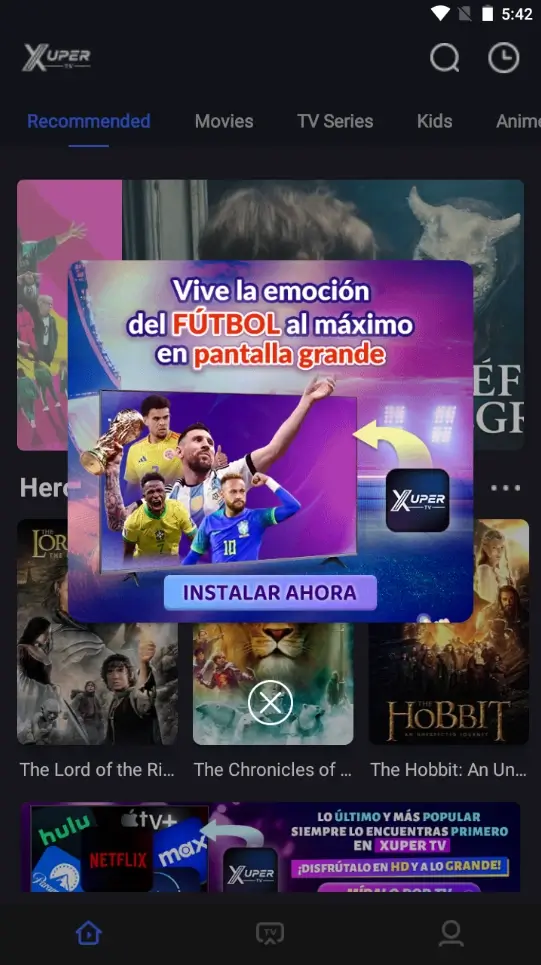
Existing Xuper TV interface capture used to show the app environment. It is not proof of the current version, publisher, or download source.
Quick answer
Treat Xuper TV APK as a device-specific source-check question, not one universal file. Public listings can show different package names, publishers, and version claims, while no stable first-party APK release page was verified for the community branch discussed here. Choose the TV or mobile route, compare the final package with the source, and use an emulator for PC rather than an unverified EXE.
What this Xuper TV APK guide covers
What Xuper TV APK, Xupertv APK, and APK Xuper TV Searches Mean
Xuper TV APK and Xupertv APK searches may mean a TV branch, mobile package, lookalike listing, PC emulator, or name-based mirror. Identify the device, package family, version claim, and source first; PC intent stays an emulator question, not a native EXE recommendation.
Where to Download Xuper TV Without Trusting a Fake Official Site
No verifiable first-party website or developer release page was found for the Xuper TV package shown in the existing screenshots. Several unrelated domains call themselves official while publishing incompatible versions and changing update times dynamically. Google Play also contains multiple Xuper TV or TV Finder listings from different publishers and package IDs. A store page is useful for comparing identity, but its title alone does not prove that it is the same app discussed by the XuperTV community.
The community thread lists AFTV Downloader codes, but testing one led through an intermediary and file host rather than a stable APK response with verifiable type and size. This page links the status thread, so confirm the current code and inspect the final file before installing.
- Open the community status thread linked below and check the newest moderator list, not an old screenshot of a code.
- Choose the TV or mobile branch for the device you actually use.
- Open the AFTV Downloader app from its recognized app-store listing or use the AFTV code page manually.
- Before installing, compare the displayed version, filename, package name, file size, and requested permissions.
- Stop if the route switches to a MOD, Hydra, NF, VIP-unlocked, unrelated store app, browser extension, or installer bundle.
- Keep a record of the source page and code so a later update can be compared rather than guessed.
Choose the Correct Xuper TV APK for Android, Smart TV, or PC
Android phones and Android-based televisions can both install APK files, but they need different interaction models. A phone build expects touch controls and portrait or landscape rotation. A TV build should support a directional pad, Back button, focus states, and ten-foot text. Installing the phone build on a television may succeed technically while remaining unusable from the sofa.
Samsung Tizen, LG webOS, Roku, iPhone, iPad, Windows, and macOS do not natively install Android APK files. For a Windows or Mac computer, the usual route is an Android emulator, which adds performance and privacy tradeoffs. For a non-Android television, use an external certified Android TV or Fire TV device instead of trusting pages that promise a native APK for every platform.
| Device | Correct route | Main check |
|---|---|---|
| Android phone or tablet | Mobile branch | Touch layout, Android version, storage, package identity |
| Android TV / Google TV | TV branch | Remote focus, architecture, storage, reboot behavior |
| Fire TV / Firestick | TV branch through Downloader or transfer | Source-specific install permission and remote controls |
| Generic TV Box | TV branch only if Android-based | Low-end hardware may fail newer builds |
| Windows or macOS | Android emulator | No verified native EXE or DMG |
| Samsung Tizen / LG webOS / Roku / iOS | No normal APK install | Use the platform store or external Android hardware |
Install and Test Xuper TV APK Carefully
Sideloading should be a short, reversible process. Grant unknown-app permission only to the browser, file manager, or Downloader app used for this installation. Do not enable a broad device-wide setting when Android offers source-specific control. After installation, turn that permission off so the same source cannot silently install another package later.
A successful install screen is not the finish line. Open Xuper TV, verify that the remote or touch controls work, check whether the version shown inside the app matches the file, and restart the device once. Test only content you are authorized to access. If the app closes at the logo, forces an unexpected paid upgrade, loops through updates, or requests unrelated permissions, remove it and return to the source check rather than cycling through random mirrors.
- Back up account details if an existing paid installation will be removed.
- Confirm enough free storage and note the currently installed version.
- Download only the device branch selected from the current source list.
- Grant install permission to one source app, install the APK, then disable that permission.
- Launch the app and test navigation, playback controls, subtitles, audio, and account status.
- Restart the device and verify that the app opens without another forced update loop.
- Delete the downloaded APK after installation if you do not need an offline backup.
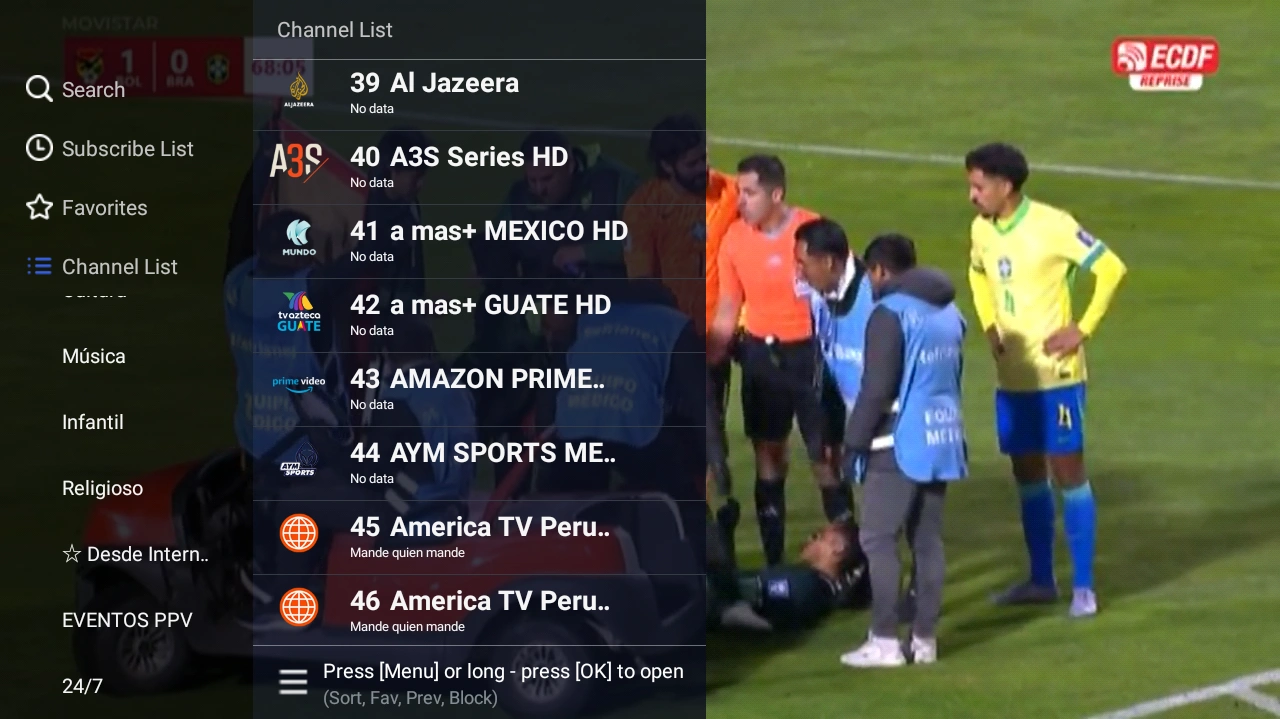
Existing TV interface capture showing why remote focus and screen layout matter when choosing the TV branch.
Privacy Signals and Stop Conditions
Package identity is only one check. Review permissions, privacy language, account prompts, and the handling domain before signing in or paying. Do not reuse an important password or treat a store label as proof for a sideloaded package.
Stop when the file changes name, the route adds a VPN or browser extension, security warnings are dismissed without explanation, or the app asks for accessibility, contacts, SMS, or device administrator access for basic playback. Removing the package and returning to the source check is a successful outcome.
- Check the final package name and version against the source page.
- Use a separate account or password where possible.
- Reject unrelated VPN, EXE, ZIP, or browser-extension steps.
- Review permissions before the install prompt is accepted.
- Disable unknown-app permission after the test.
- Stop if the app cannot be controlled with the target device.
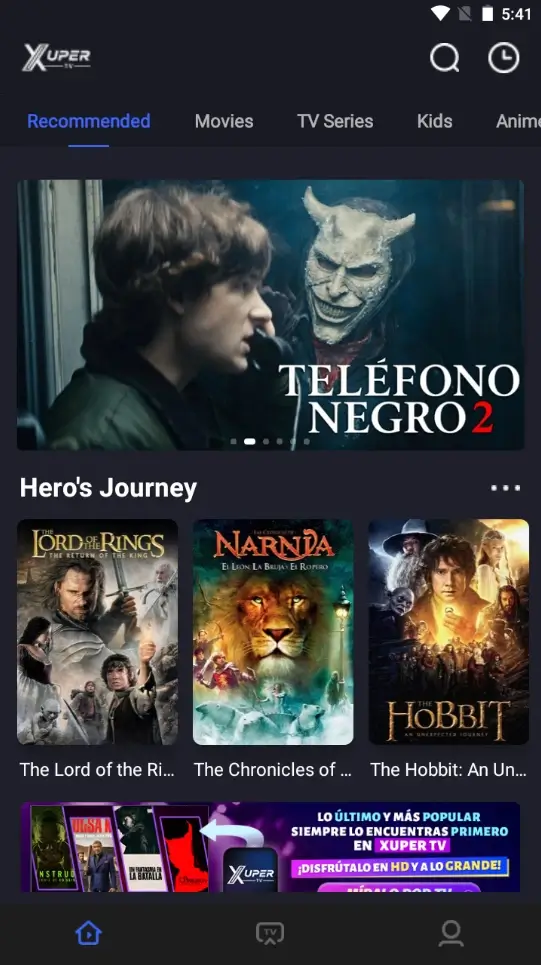
An interface image can show the app context, but it cannot prove the package identity, current version, or official source.
Xuper TV APK FAQ
Check the current source status before choosing a file
There is no verified stable first-party APK link to publish here. Open the community-maintained status thread, confirm the device branch and code, then inspect the final package. The link is a community fallback, not an official endorsement or a safety guarantee.
Related device and APK guides
- DeepCine for Smart TV - Android TV, TV Box, Samsung, LG, and Roku boundaries
- DeepCine for Fire TV - Downloader permissions and remote-control checks
- DeepCine APK download guide - General version and APK source verification
- DeepCine alternatives - Official-store and device-compatible options
- Xuper TV PC guide - Android emulator route, PC limits, and fake EXE checks